

Sometimes you just want to update the docs. You spot a typo in a readme, or a feature behavior changes, and you want to fix it without ceremony. You don’t want to clone the repository, spin up a local environment, or think that hard. I was on a trip to the beach with only my tablet, so i thought I’d build a tool between hikes.
We have great tools for personal knowledge bases. Notion is excellent for team wikis. Obsidian is perfect for your private vault. But project documentation belongs in the repository, right next to the code it describes. Less is more, just give me quick access.
That is the problem Wikidown solves. It is a markdown wiki that lives in the /docs folder of your repository. But more importantly, it is a product of how software gets built right now.
The Outer Loop
We are in the agentic engineering era, and the workflow has changed. There is an outer loop and an inner loop.
The outer loop is for viability. You have an idea. You sit down with an AI agent and you vibe code. You work through concepts without digging into the syntax. You describe the shape of the thing, the agent writes the boilerplate, and you steer. You can get to a working Minimum Viable Product in a weekend.
That is exactly how Wikidown was built. The entire core logic, the CLI, the MCP server, and the Blazor editor were scaffolded in a vibing phase. The agent did the typing. I did the thinking.
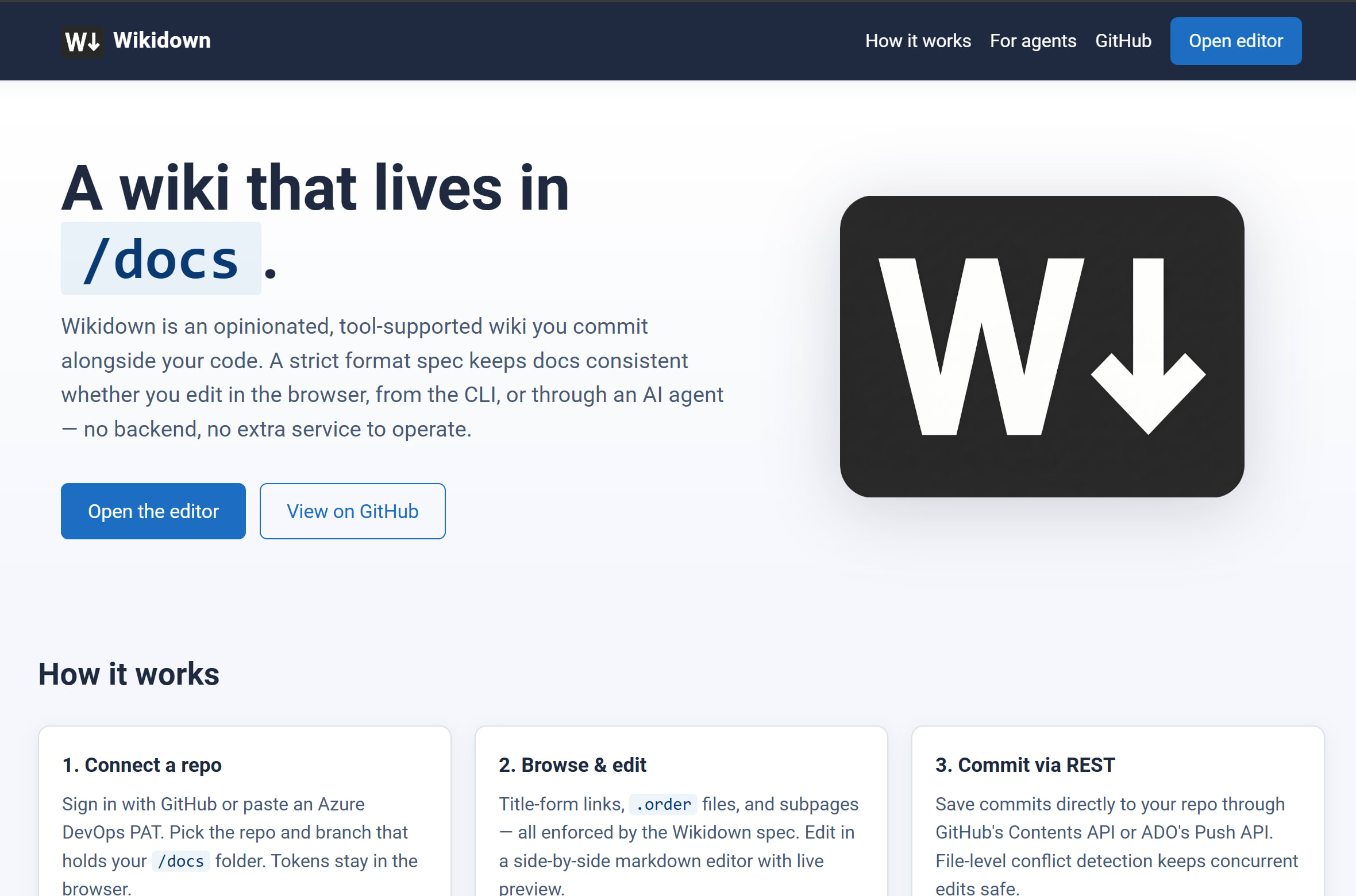
When the MVP is complete, you pass it off to the inner loop. That is where the developer gets hands-on, refactoring, fixing the edge cases, and hardening the deployment topology. This post is the handoff moment. The vibing phase is done. Here is what came out of it: Wikidown.org
The Spec is the Guardrail
Wikidown is not just a web editor. It is a set of guardrails that make your documentation equally useful to humans and AI.
Without those guardrails, a /docs folder is just a pile of markdown files. An AI agent might read them, but it will not know how they relate to each other. It will break your links when it renames a file. It will ignore your ordering rules.
Wikidown fixes this by enforcing a strict, simple format specification. Page files use hyphenated titles on disk, like Release-Notes.md. Subpages live in a folder with the exact same base name next to the parent page. Ordering is controlled by a plain text .order file in each folder, listing one page base-name per line. And internal links use the title path, like /Getting-Started/Format, ignoring the hyphens and file extensions entirely. The full spec is in the Wikidown docs.
This format happens to be 100% compatible with Azure DevOps Wiki, which is a nice bonus if you are already in that ecosystem. But the real value is that the spec gives the AI agent a mental model of your documentation.
Deterministic Docs from Non-Deterministic Models
Large Language Models are inherently non-deterministic. If you tell an agent to “update the docs,” it might rename a file, it might create a new folder, or it might just rewrite the README. You cannot build a reliable documentation system on vibes alone.
To enforce the spec, Wikidown ships a core library, a CLI, and a Model Context Protocol (MCP) server. These tools act as the deterministic bridge between the LLM and your file system.
dotnet tool install -g Wikidown.Mcp
# wire into .mcp.json or .vscode/mcp.json
The MCP server exposes nine specific tools to the agent: read, write, list, move, delete, reorder, search, walk, and new. When you wire the Wikidown MCP server into Claude Code or Copilot, you are giving the agent a constrained API for the wiki.
If the agent wants to rename a page, it cannot just move the markdown file. It has to call the wiki_move tool, which deterministically renames the file, moves the subpage folder, and updates the parent .order file. The agent provides the intent; the MCP server enforces the rules. You get deterministic documentation behavior from a non-deterministic model, and you do not have to babysit it.
The Editor and the Login
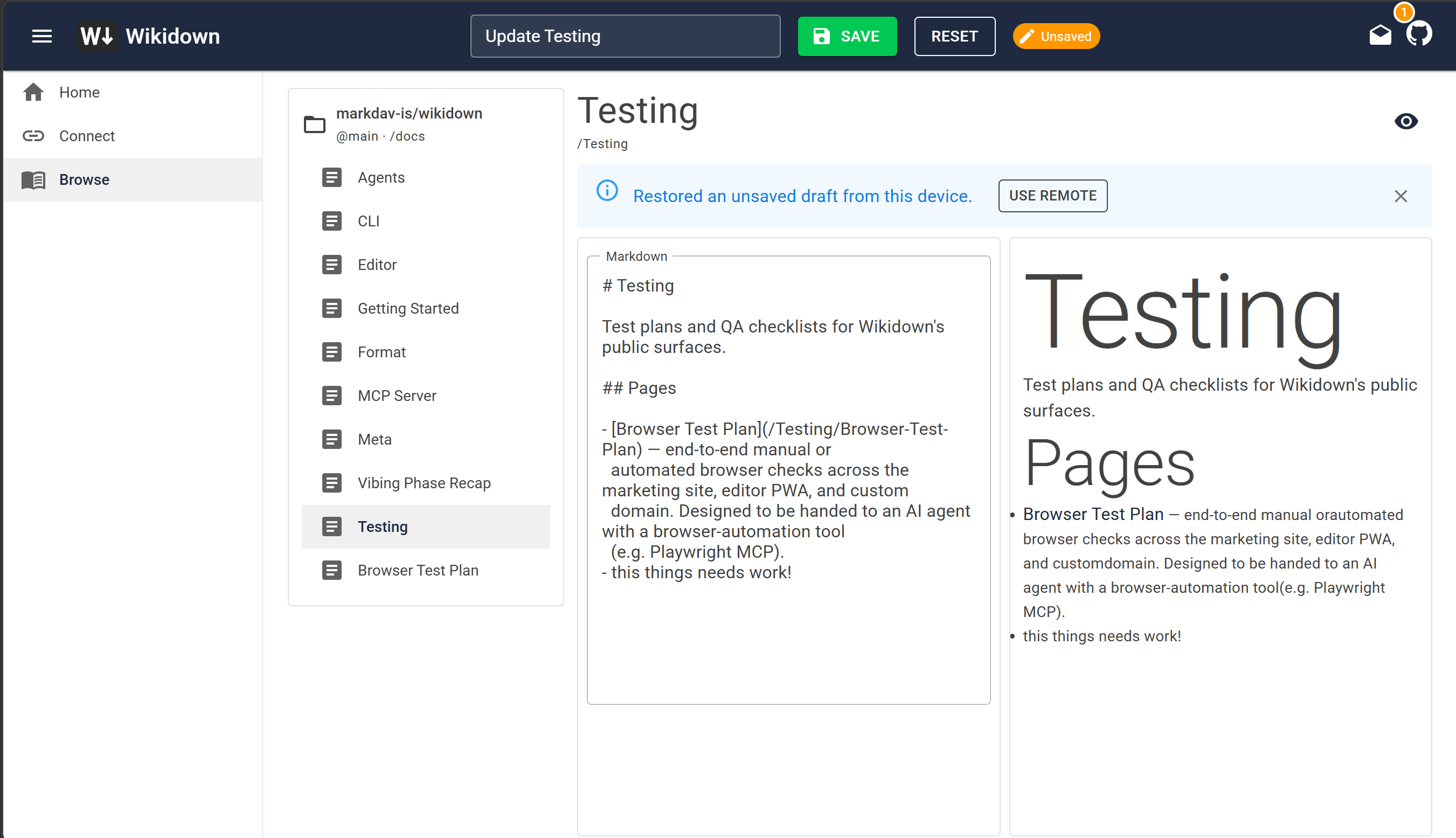
For the humans, there is a Blazor WebAssembly Progressive Web App. You go to the site, connect your repository, and get a side-by-side markdown editor with live preview.
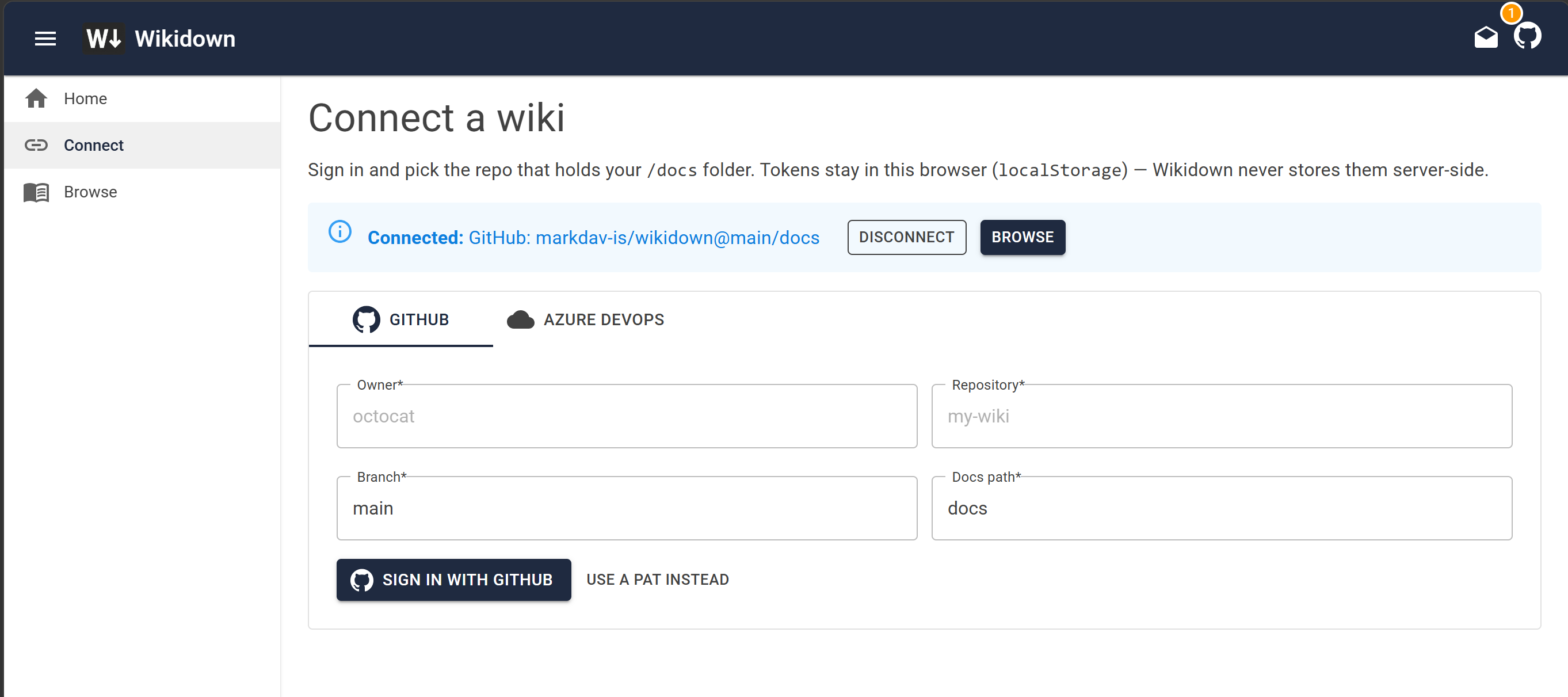
Visit the Wikidown.app Connect page. Sign in with GitHub, pick a repo, and go.
So the flow is simple: login with GitHub, pick a repo, do a quick edit. The OAuth proxy is a small Azure Functions app that handles the token exchange. The tokens stay in your browser’s localStorage. The backend never stores them, and it never sees your repository contents.
Handoff
The wiki eats its own dogfood. The Wikidown repository’s own /docs folder is a Wikidown wiki, edited through the CLI and the MCP server. That is the only honest way to know if the thing works.
The outer loop is done. The MVP is viable. Now we see how it holds up in the inner loop. If you want to submit issues, the repo is open-source.