

The Tool You Already Have Is Probably The Wrong One
You’re a solo dev, or maybe a team of three. You ship code. And at some point someone suggested putting the work in Jira, or Linear, or Trello, or Notion, and now you have a second job: maintaining your project management system. The board has columns no one touches. The tickets have fields no one fills in. The integrations require credentials no one can find.
Meanwhile, your AI coding agent has no idea any of this exists. It can read your code, your tests, your commit history. It cannot read your Jira backlog. The thing that knows the most about your codebase has no idea what you’re trying to build next.
That’s not a workflow. That’s two workflows that don’t talk to each other.
A Kanban Board Is Just Four Folders
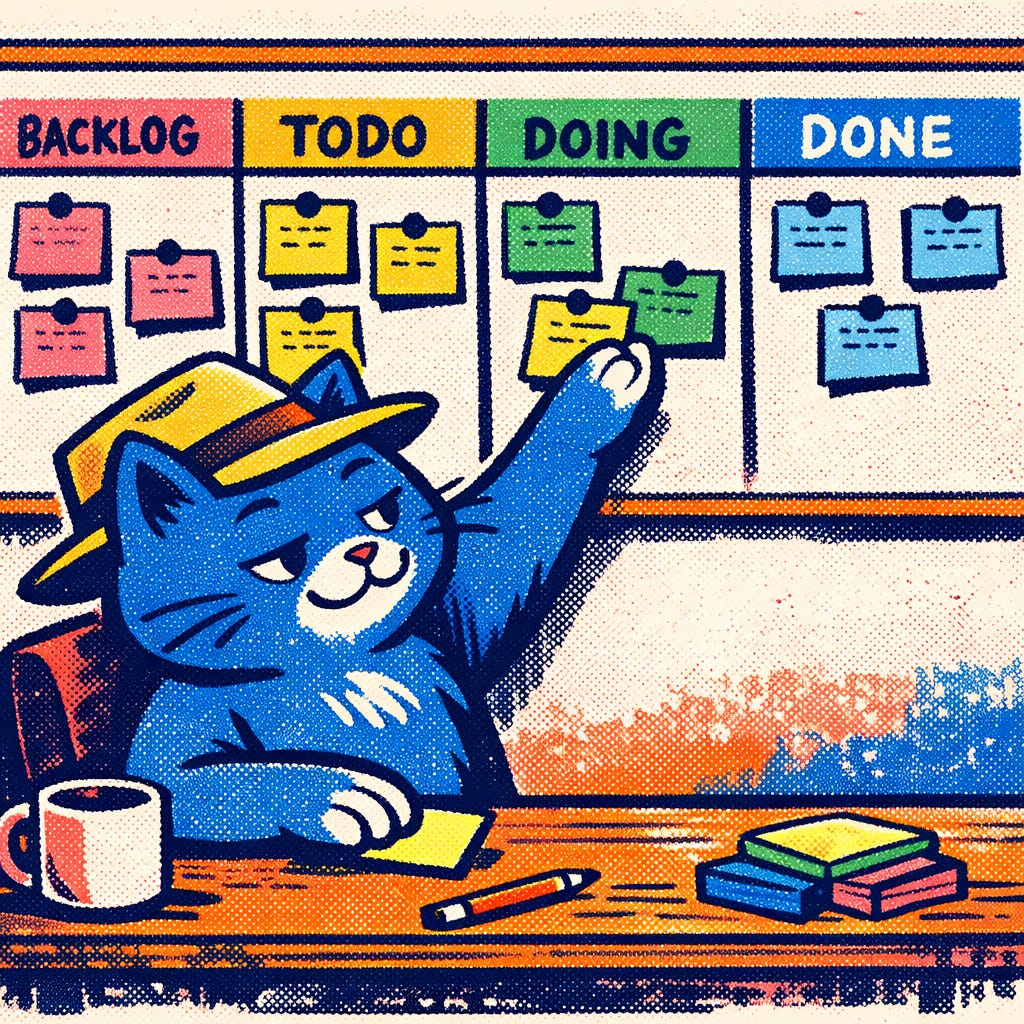
Here’s the whole idea: a Kanban board is a directory. Columns are subdirectories. Tasks are markdown files. You move a task by moving a file.
That’s it. No database. No server. No login screen. No pricing tier that unlocks the feature you actually need.
How It Works
The structure is deliberately boring:
my-project
  kanban
    backlog
      add-export-feature.md
    todo
      fix-auth-bug.md
    doing
      update-readme.md
    done
      initial-setup.md
Each task file is a markdown document with a little YAML frontmatter at the top:
---
id: fix-auth-bug
title: Fix auth token expiry bug
created: 2025-03-01
priority: high
---
## Notes
Token refresh fails silently after 24h.
## Checklist
- [ ] Reproduce the bug
- [ ] Trace token refresh path
- [ ] Write a failing test
- [ ] Ship the fix
The Agent Angle
This is where things get interesting. Your AI agent already knows how to read files, write files, and move files around. It does this all day for your source code. KanBanLess just extends that to your task board.
Drop a SKILL.md file into .claude/skills/kanban/ or .github/skills/kanban/ and your agent now has the full API: how to read the board, how to create a task, how to move one, how to mark checklist items done. No MCP server. No plugin marketplace. No API key to rotate. Just a text file describing a convention.
The agent that just fixed your bug can, in the same session, move that task to done. The thing managing your code can manage your board. They’re the same file system.
Git Is Your History
Commit your .kanban/ directory alongside your code. Now task movement shows up in your diffs. A PR description can reference a task file directly. You can see exactly when something moved from doing to done, and what commit caused it. Your project history and your task history are the same history.
No integrations. No webhooks. No “connect your GitHub to your project management tool” dance.
There’s a CLI Too
For people who prefer typing to folder-browsing, there’s a cross-platform .NET global tool:
dotnet tool install -g KanBanLess
kanban add “Ship the thing”
kanban move fix-auth-bug doing
kanban list todo
If you’re not in a .NET environment, the bash fallback is four functions and a mv command. The whole thing fits in your .bashrc.
What’s Coming
A desktop client is in the works. Drag-and-drop columns, offline-first, reading the exact same files on disk. No sync conflicts because there’s no server to sync with. The file system is the database, and it’s already on your machine.
The desktop client is optional. The system works without it. That’s sort of the whole point.
Try It
The repo is at github.com/markdav-is/KanBanLess. Drop the skill file into your next project, point your agent at it, and see what happens when your board lives where your code lives.
The tools that don’t get in the way are the ones you keep using. Most project management software forgets that. KanBanLess is trying to remember it.
Less is more.