

If you’ve built more than one Oqtane module, you know the drill. You fire up the web admin, walk through the module creation wizard, wait for the scaffolding to land in your solution, then spend the next twenty minutes cleaning up files and wiring things together the way you actually want them.
The wizard is fine, but if you’re doing this repeatedly, or on a machine without a running Oqtane instance handy, here’s a scriptable template.
Before You Start: Official Application Template
This is a module item template, not an Application template. If you are starting from scratch, you need an Application first. Oqtane shipped an official application template with the 6.2 release last year that sets up a proper Oqtane Application solution structure, complete with correct project references, and a working debug configuration. Get that stood up before you reach for the module template.
Official application template: Oqtane 6.2.1 Released
Once your application solution exists, come back here.
What It Does
MarkDav.Oqtane.Module.Template is a dotnet new item template. Install it once, then scaffold a complete Oqtane module from the command line.
dotnet new install MarkDav.Oqtane.Module.Template
dotnet new oqtane-module -n MyModule --namespace MyCompany.MyModule
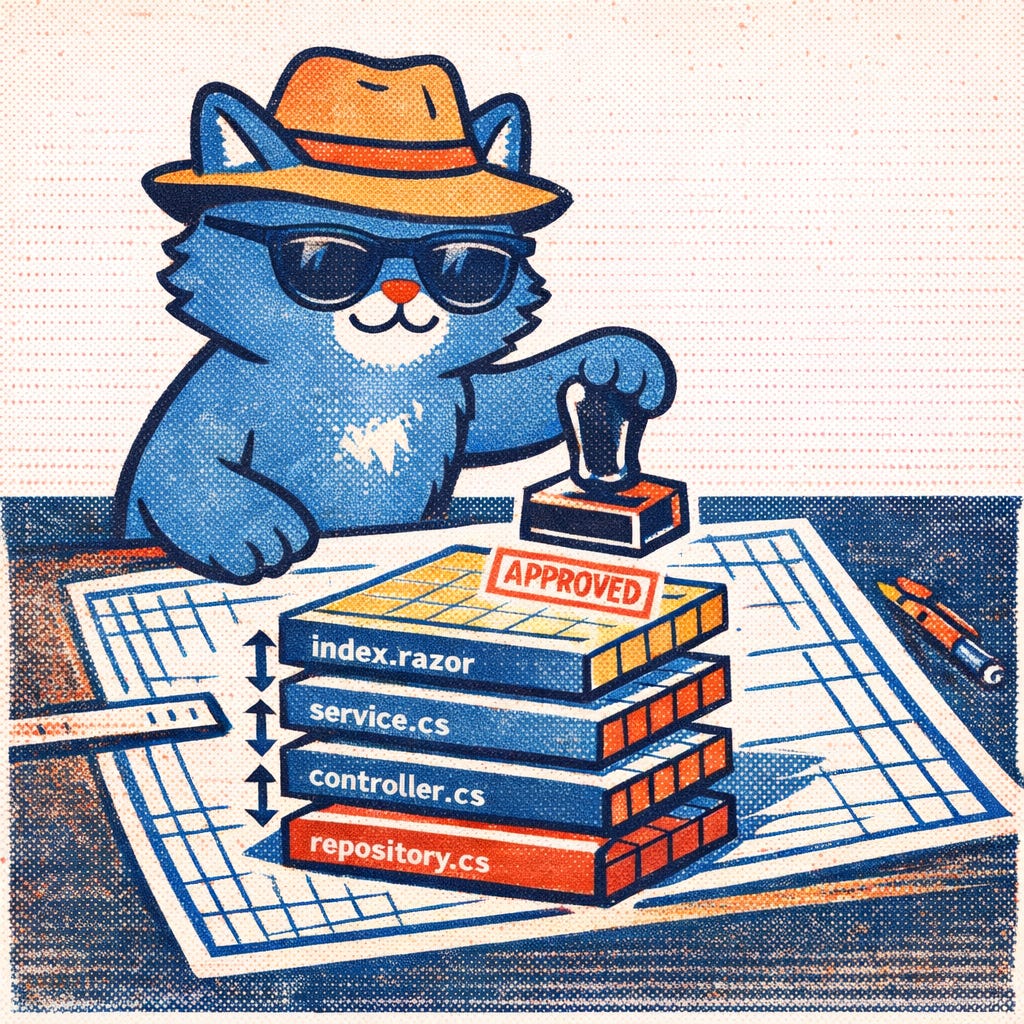
That produces the full stack: Client Blazor components, Services, an ASP.NET Core controller, EF Core DbContext with migrations, repository, shared entity model and interface, and more. Fifteen-plus files, ready to go, without clicking through anything.
A Couple of Things Worth Noting
The template tries to auto-detect your root namespace from the nearest .csproj file via MSBuild binding. If you’re running the command from inside a project directory, you can usually skip the --namespace flag entirely. If running from the solution folder, you need to set the --namespace flag manually.
There’s also no IServerStartup class generated. Oqtane auto-registers services that implement its service marker interfaces, so you don’t need one. This trips up a lot of newcomers because older examples and tutorials generate that class by default and then people spend time debugging registration problems that shouldn’t exist.
Remix to your own flavor
This template follows the official Oqtane module template. My goal was to make module creation scriptable. The positive upshot is that you can fork this repo and template your custom module choices.
Links
NuGet: MarkDav.Oqtane.Module.Template
GitHub: markdav-is/Oqtane.Module
Oqtane Framework: oqtane/oqtane.framework